





The problem it solves
A table in WordPress is usually one of two things: a plugin that turns into a spreadsheet, or a wall of CSS written by hand. Mentora Table lets you draw the table instead, cell by cell, in a visual editor, and keeps the data where you can still get at it.
What it does
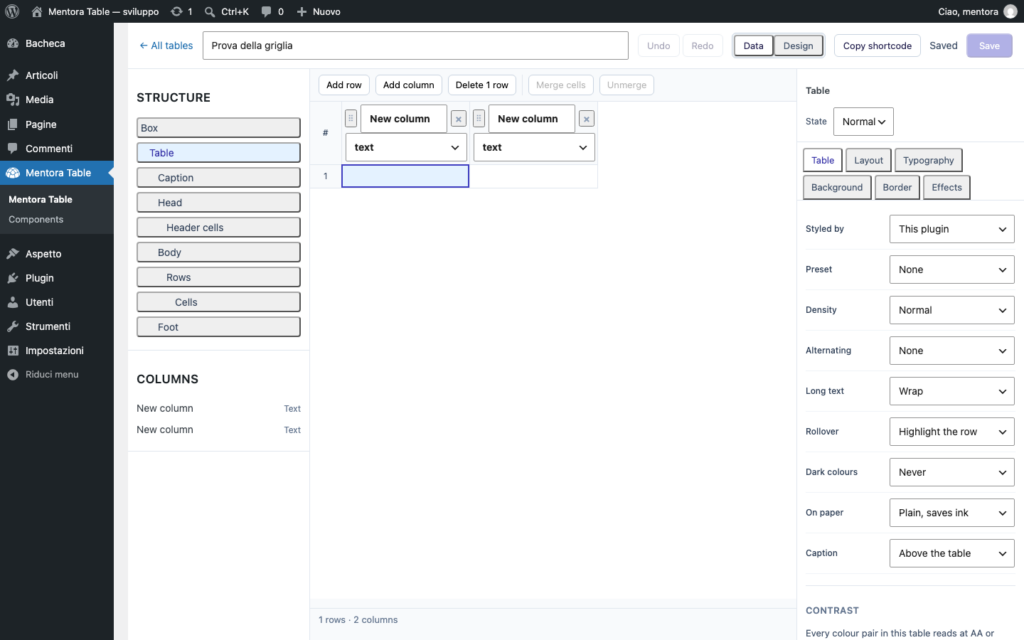
You draw it, you do not write it
A grid you can paste into straight from a spreadsheet, with merged cells and an inspector that only offers the controls that make sense on the element you picked. The free version styles the table and its sections; the Pro version goes down to the single cell, and to a different value for each screen size.
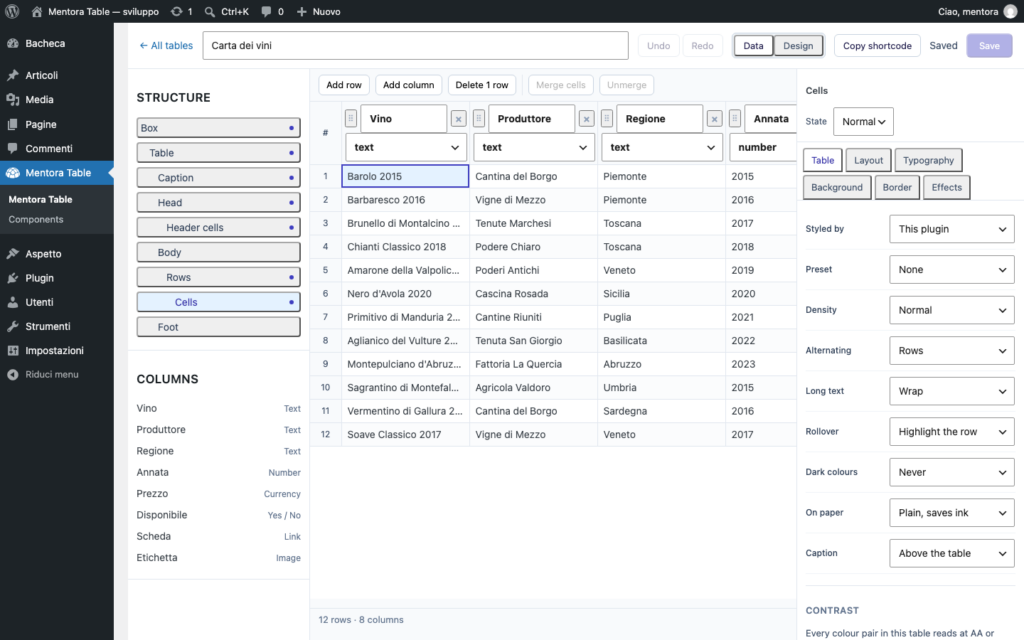
Every row can open a card of its own
A row is not only a line of a table: it can carry a detail card with its own fields, so a catalogue, a price list or a directory stays readable without leaving the page.
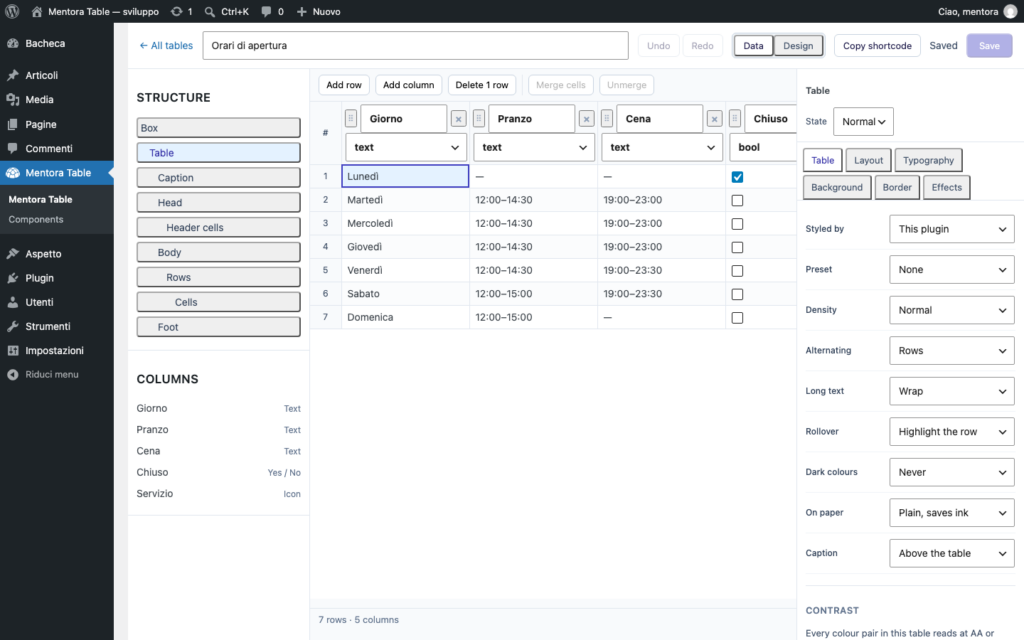
Data that keeps itself current
The Pro version reads from a published sheet, from Dropbox, from an FTP folder or from a REST API, and writes back the other way. Tables can also be generated from posts, from custom fields and from WooCommerce products.
Screenshots
Free and Pro
Free
Free
Pubblicato su wordpress.org. Supporto tramite il forum pubblico.
- The visual editor, with merged cells and paste from a spreadsheet
- Style for the table and its sections, with two presets
- Density, zebra striping, rollover, dark mode and a print style
- Lucide icons, gradients and colours with transparency
- A contrast check while you pick the colours
Pro
€49/year
All'anno. Ticket con risposta prioritaria e aggiornamenti automatici.
- Tutto quello del gratuito, più:
- Style down to the single cell, and values per breakpoint
- Two-way sync: Sheets, Dropbox, FTP and REST
- Tables from posts, custom fields and WooCommerce products
- Charts from your data, with a colour for each series
- Elementor widget and WPBakery element
- Visitor contributions, with approval
Checkout, licenze e aggiornamenti li gestisce Freemius. I dati di pagamento non passano mai da noi.
L’acquisto non è ancora aperto: il pulsante si accende il giorno che il plugin esce.

Documentazione
Installazione, configurazione e hook per sviluppatori di Mentora Table.
[Il link compare qui appena viene pubblicata una guida per questo plugin]